Docs / Use it
Using Knock day to day
What each screen does, and how to use "expecting someone", auto-open, "Not mine" and quiet hours.
Knock has four tabs along the bottom: Open, Log, Household and Settings. The bar is a slider: press anywhere on it and slide your finger to move between tabs.
The Open screen
This is the screen that matters. It has a small readout at the top and one big key.
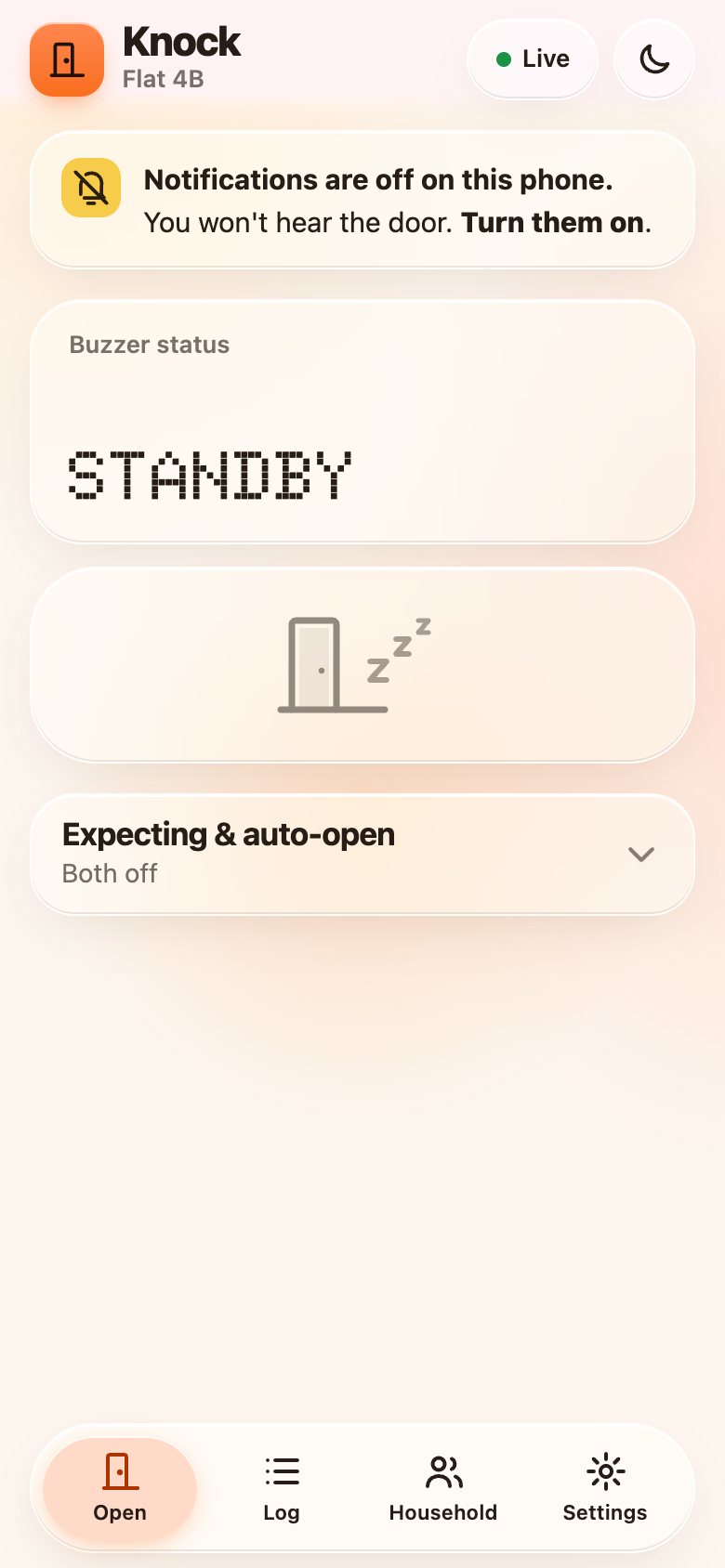
| What you see | What it means |
|---|---|
| A sleeping door, readout says Standby | Nobody is at the door. |
| Orange key, Open door, readout says At the door | Someone buzzed. Tap the key. |
| Opening… | The unlock tone is being sent. |
| Green key, Door open, readout Opened | It worked, and the readout names who did it. |
| Yellow readout, Visitor left | They hung up before anyone opened it. |
| Yellow readout, Backup called | Nobody opened it in time, so Knock rang the backup number. |
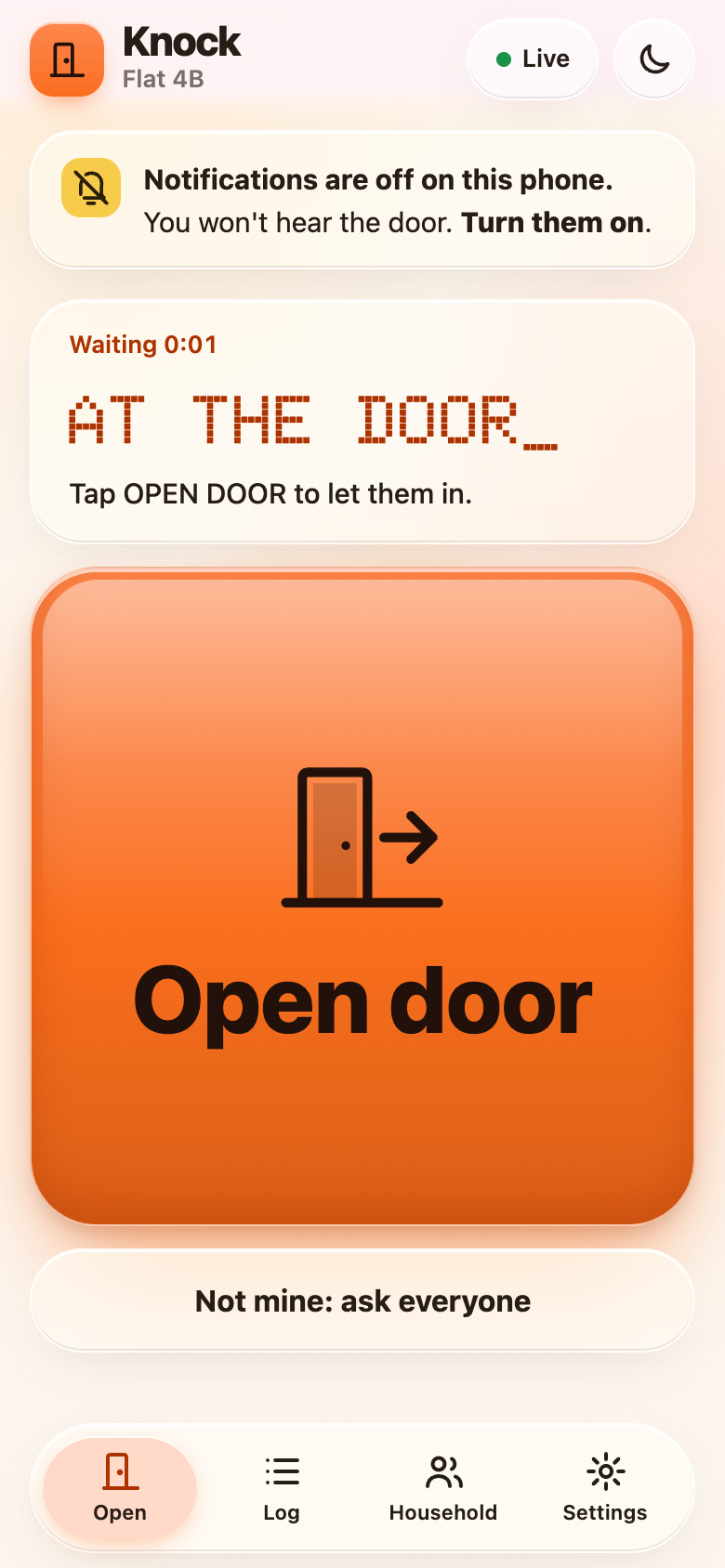
The first tap wins. If two people tap at the same moment, only one unlock tone is sent, and the other person sees who got there first.
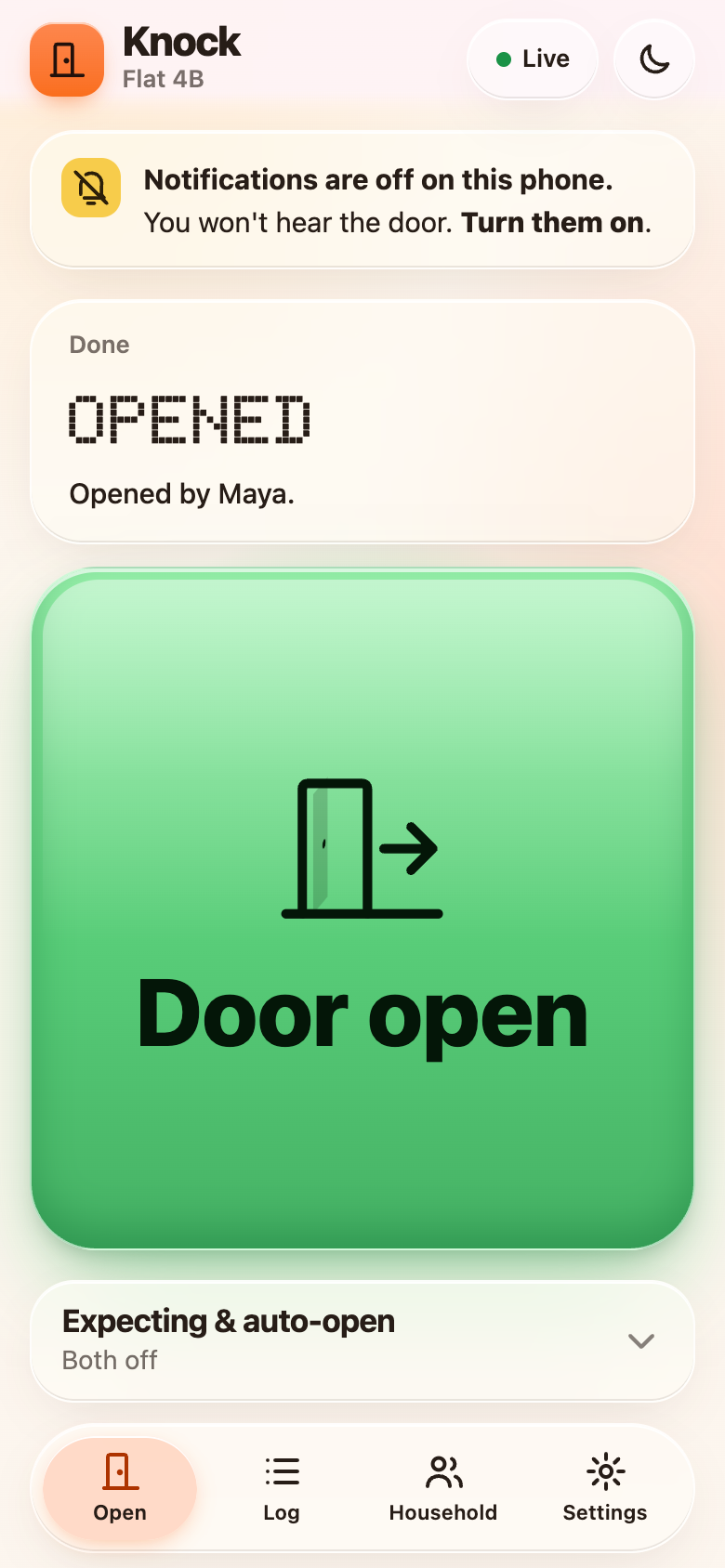
When the door opens, every other phone's notification is replaced with "Opened by …" so nobody keeps hunting for the key.
Who gets notified, and when
- Nobody is expecting anyone: everyone gets the loud notification at once.
- Someone is expecting a visitor: only they get the loud one first. Everyone else gets a quiet, silent ping, so they can still see it in the log.
- Still nobody opened it after a few seconds (8 by default): everyone is asked, loudly.
- Someone taps "Not mine": everyone is asked immediately.
- Still nothing after the backup time (20 seconds by default, and only if you've set a backup number): Knock rings the backup number and connects the visitor, so that person can press the digit themselves.
I'm expecting someone
On the Household tab, under When someone buzzes, switch on I'm expecting someone and choose 15, 45 or 90 minutes. You get the loud notification first. It switches off by itself when the time is up, and as soon as you open a door while it's on.
Auto-open the door
Also on the Household tab. Choose 10, 20, 30 or 60 minutes. While it's on, any buzz opens the door automatically about two seconds after the call arrives, with no tap needed.
Treat auto-open as dangerous
While auto-open is on, anyone who buzzes your unit is let in: a stranger, someone who guessed a unit number, a person following a delivery driver. Use the shortest window you can, only when you're home and expecting someone, and cancel it the moment they arrive.
Every phone in the household shows a yellow banner with a countdown and a Cancel button while it's on, and gets a notification when it's turned on and when it fires. It always expires by itself. The log records every auto-open.
"Not mine"
If you get a loud notification but it isn't for you, tap Not mine: ask everyone. Everyone else is asked straight away instead of waiting.
Quiet hours
In Settings, Quiet hours, choose a From and Until time. During that window you only get silent pings, unless you've said you're expecting someone. The window can cross midnight (22:00 to 07:00), and it uses the household's time zone.
The log
The Log tab lists every buzz with the time, the outcome, who opened it and how: a tap, an auto-open, or the backup call. A "Missed" row means the visitor hung up first.
The buzzer number
Settings shows the number your building should dial, in a dot-matrix readout with a Copy button. Anyone in the household can see it. It comes from your TELNYX_NUMBER setting.